Your car. Your next look.
Car customizer for your next idea
Try new wheels, tires, paint or a wrap on your own car photo. Choose one change, then compare the preview with your original.
Add a reference image to preview these wheels on your car.
Your car. Your next idea.
Upload your photo, choose one change and compare the result right here.
02 / SEE THE DIFFERENCE
Compare the concept with the original
A side-by-side view makes proportion, contrast and finish changes easier to judge than an isolated generated image.
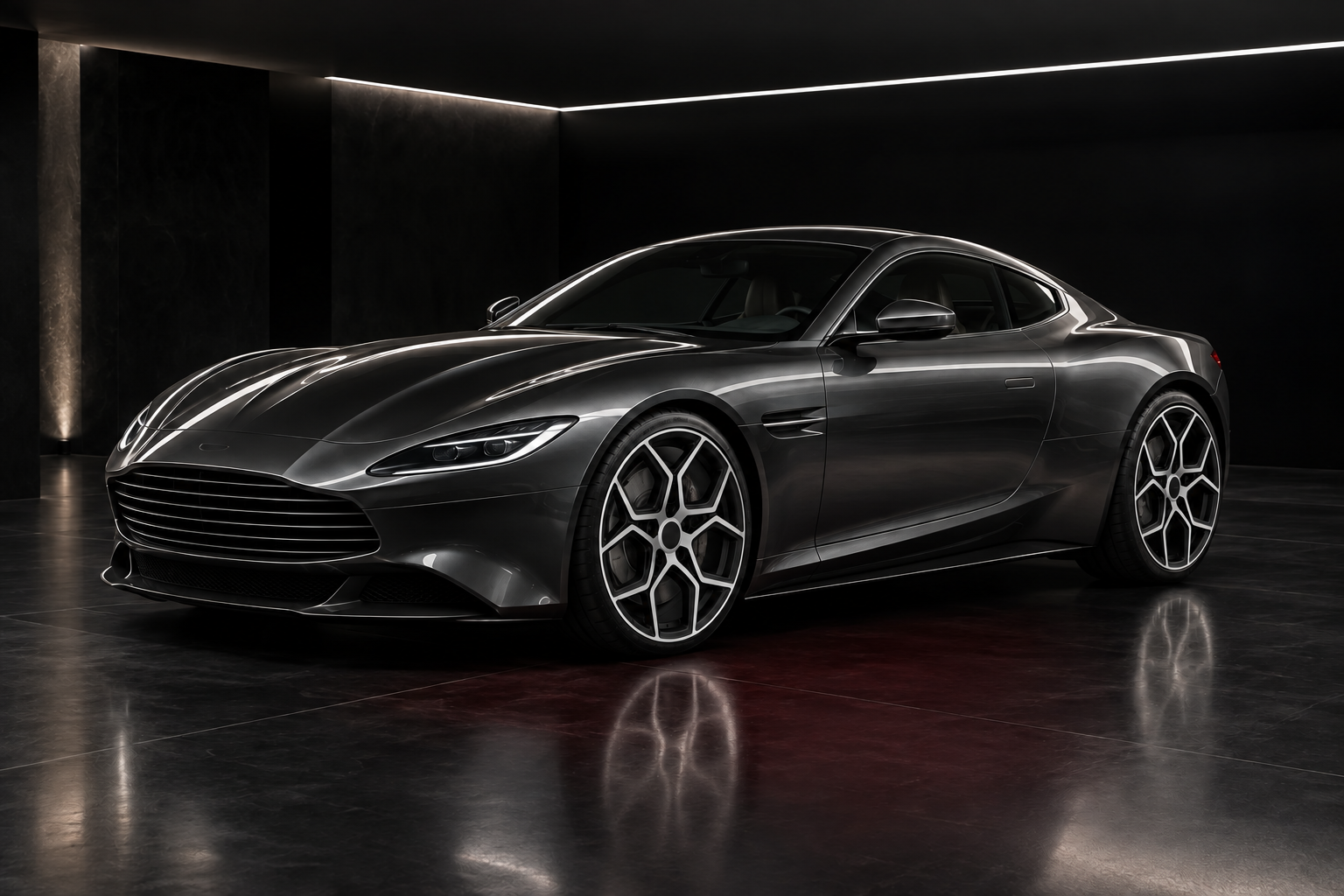
 ORIGINAL · CONCEPT CARWheel swap · before and after
Read the whole car, then the edited area
First check that the body, camera angle and surroundings still match the original. Then judge the requested change. Discard a concept with shifted wheels, altered bodywork or inconsistent reflections: those changes can make an otherwise ordinary option seem more attractive.
AI EXAMPLE · CONCEPT CAR03 / MADE FOR YOUR NEXT DECISION
Start with the change you are deciding on
A catalog image shows a product. Your own photo shows its relationship to the car: a dark wheel against bright paint, a larger rim beneath a small arch, or a matte finish across a curved door. Use the car customizer to make that first visual comparison.
Choose one of the six tools available here. Wheel tools need a separate design reference; paint and wrap use color and finish controls; tires and wheel sizes use a defined set of options. Keep your original photo for each comparison so earlier edits do not become part of the next decision.
Plan a coherent build
Check whether wheels, tires and exterior finishes support the same overall direction.
Narrow a shortlist
Compare visual directions before requesting quotes or visiting an installer.
Discuss the idea
Use the concept as a clear visual brief for a shop, designer or fellow enthusiast.
04 / FROM PHOTO TO PREVIEW
From your photo to a preview in three steps
Prepare the inputs, start the request and save the concept you want to keep.
- 01
Upload your vehicle photo
Start with the wheel visualizer or choose another modification. Each dedicated page keeps its own controls and guidance.
- 02
Set the requested change
Choose the tool for your idea. Add a wheel reference for wheel tasks, or select the color, tire style or size offered by the chosen tool.
- 03
Generate and compare
Read the image-processing notice, consent and start the preview. Compare the result against the original, then download a concept you want to keep.
05 / CHOOSE WITH INTENT
Which visualizer fits your idea?
Match the question to the tool before uploading. Each preview focuses on one change.
| Tool | Use it to decide | What to prepare |
|---|---|---|
| Wheels | Which spoke design and finish suit this car? | Car photo and a clear wheel reference |
| Truck wheels | Does this wheel design balance a pickup or 4x4? | Truck photo with arches visible and a wheel reference |
| Tires | Does a road, off-road or whitewall style suit the build? | Vehicle photo showing tire sidewalls |
| Wheel size | How much wheel face looks balanced against the body? | Side or three-quarter photo; choose 17, 18, 19, 20 or 22 inches |
| Paint | Which body color and finish should I explore? | Daylight photo; choose a color and paint finish |
| Wrap | Which film color and surface direction should I shortlist? | Photo with closed panels; choose color and wrap finish |
06 / A BETTER STARTING PHOTO
Choose a photo that makes changes readable
- 01
Frame the complete vehicle
Include the roof, bumpers and all visible wheels. Stand back rather than using a close wide-angle view, which can stretch the front of the car.
- 02
Keep the target unobstructed
Remove covers and choose a view without people, posts or another car blocking the body panels or wheels you want to change.
- 03
Use light that preserves detail
Even daylight helps separate tires from rims and reveals panel edges. Use JPEG, PNG or WebP up to 8 MB; avoid filters that erase texture or shift color.
 BodyWheelsLight
What this preview cannot verify
Visual exploration only. The result is a concept image and does not verify mechanical fitment or exact color.
Input quality matters. Dark, cropped or obstructed photos can reduce control over the edited area.
Verify before buying. Check specifications, local rules and installation requirements independently.
07 / FAQ
Before your first preview
What to upload, what to expect and what to do with your result.
Back to the tool01What can I change in the car customizer?+
You can explore passenger-car wheels, truck wheels, tire styles, wheel size appearance, paint colors and wrap directions.
02Does the preview prove that a part fits?+
No. It is a visual planning aid. Confirm bolt pattern, offset, clearance, load rating and other specifications separately.
03Should I upload a product photo or my car?+
Upload your car as the main image. A clear reference image is useful for tools that ask for a specific wheel or material.
04Can I use the result as a shop brief?+
Yes, as an illustrative direction. Keep the original image and describe the exact products and specifications separately.
05Which photo formats and file sizes work?+
Use JPEG, PNG or WebP, up to 8 MB per image. Export HEIC photos to a supported format first. Keep enough detail to distinguish the edited area; a sharp, sensibly sized photo is more useful than a blurred large file.
06Do I need to sign in or pay?+
No login or payment is currently required for this preview. Availability depends on the image service being able to accept requests.
07How long does generation take?+
Timing varies with the image, processing and service demand. There is no fixed completion-time guarantee. Follow the displayed status and let an active request finish before starting it again.
08How long can I access my result?+
Results are private to this browser session, with access expiring after 7 days. Download images you want to keep before then. External AI services receive images for editing and quality checks and may retain them under their own policies. Access expiry does not guarantee deletion from those providers.
09What should I do if the request fails?+
Follow the displayed error. For an upload issue, check the format and 8 MB limit; for an unsuitable image, use a clearer photo. For a temporary service error, wait and retry. An expired result or lost browser session cannot be recovered using the old private link.
YOUR PHOTO. YOUR NEXT LOOK.
Put your first idea on your own car
Choose a tool, add a clear photo and make one comparison. No account or payment is currently required.
Choose a visualizer